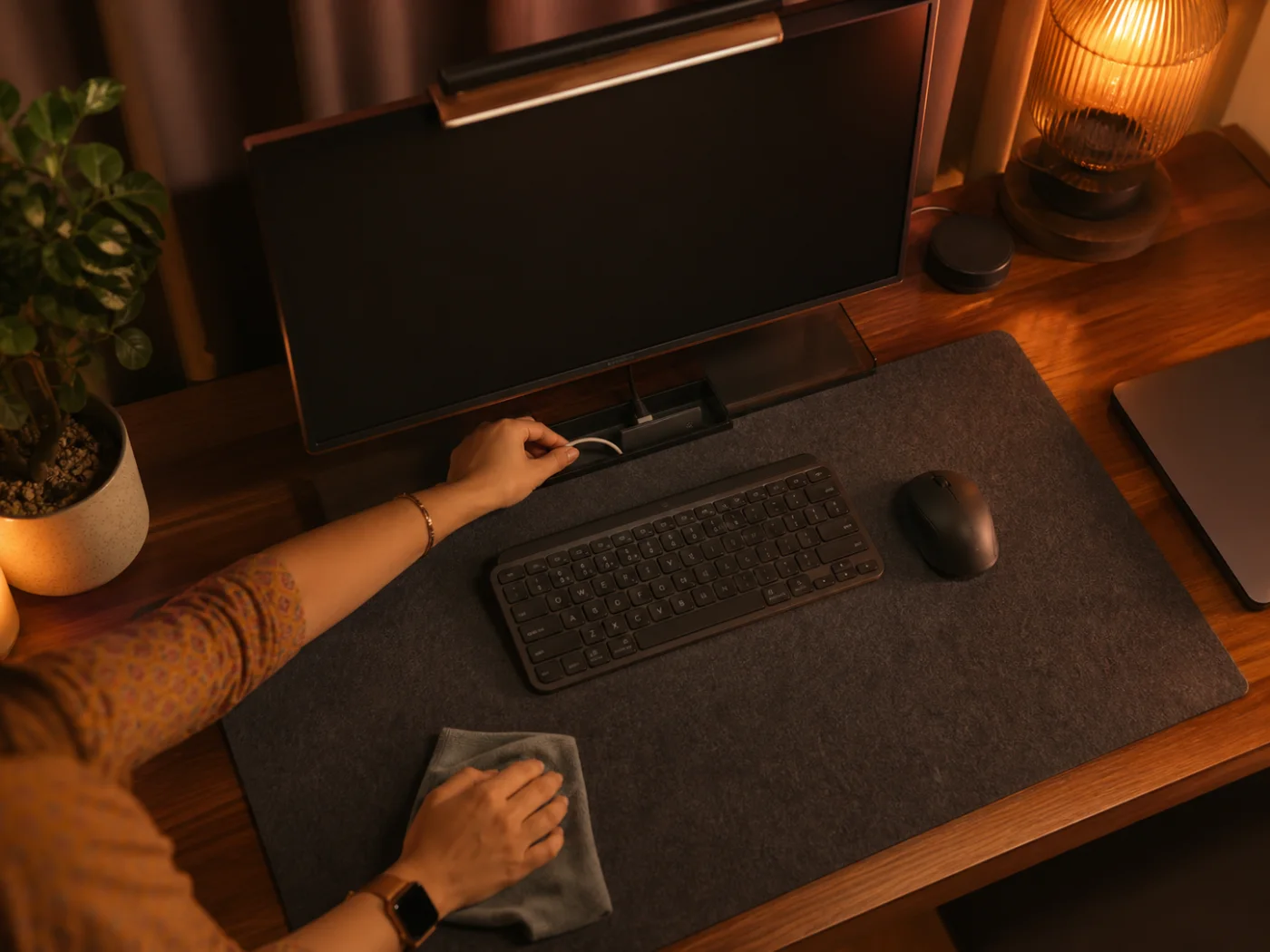
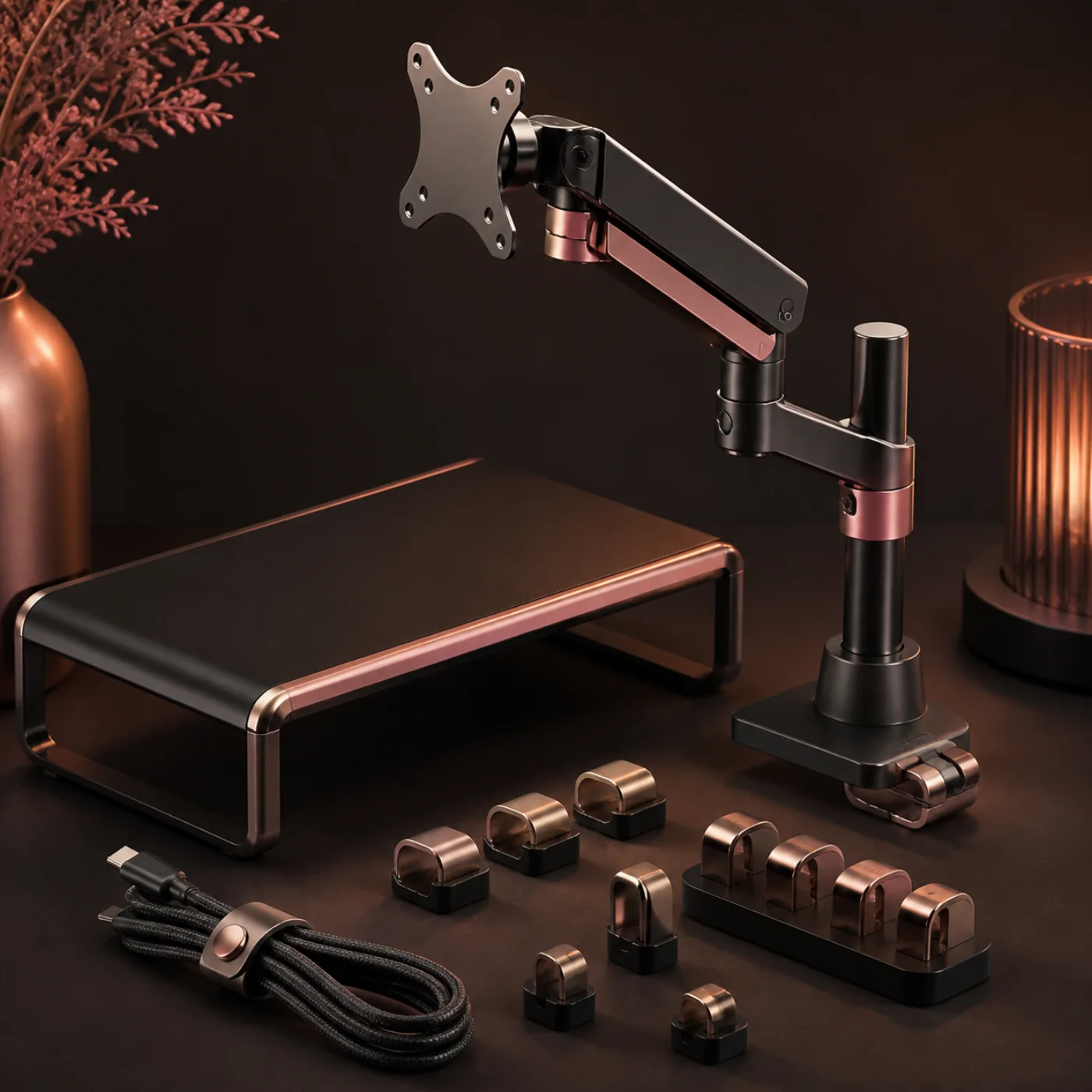
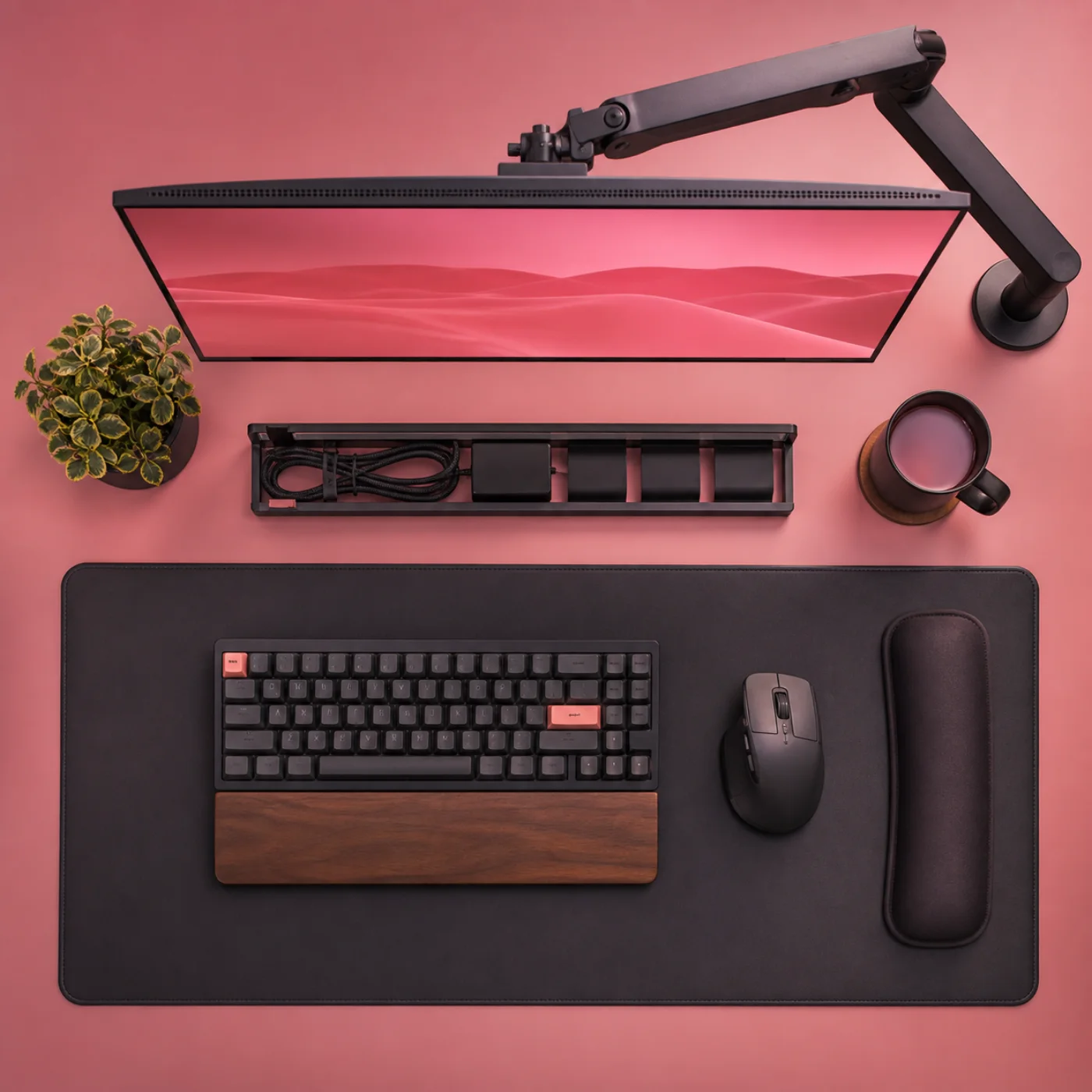
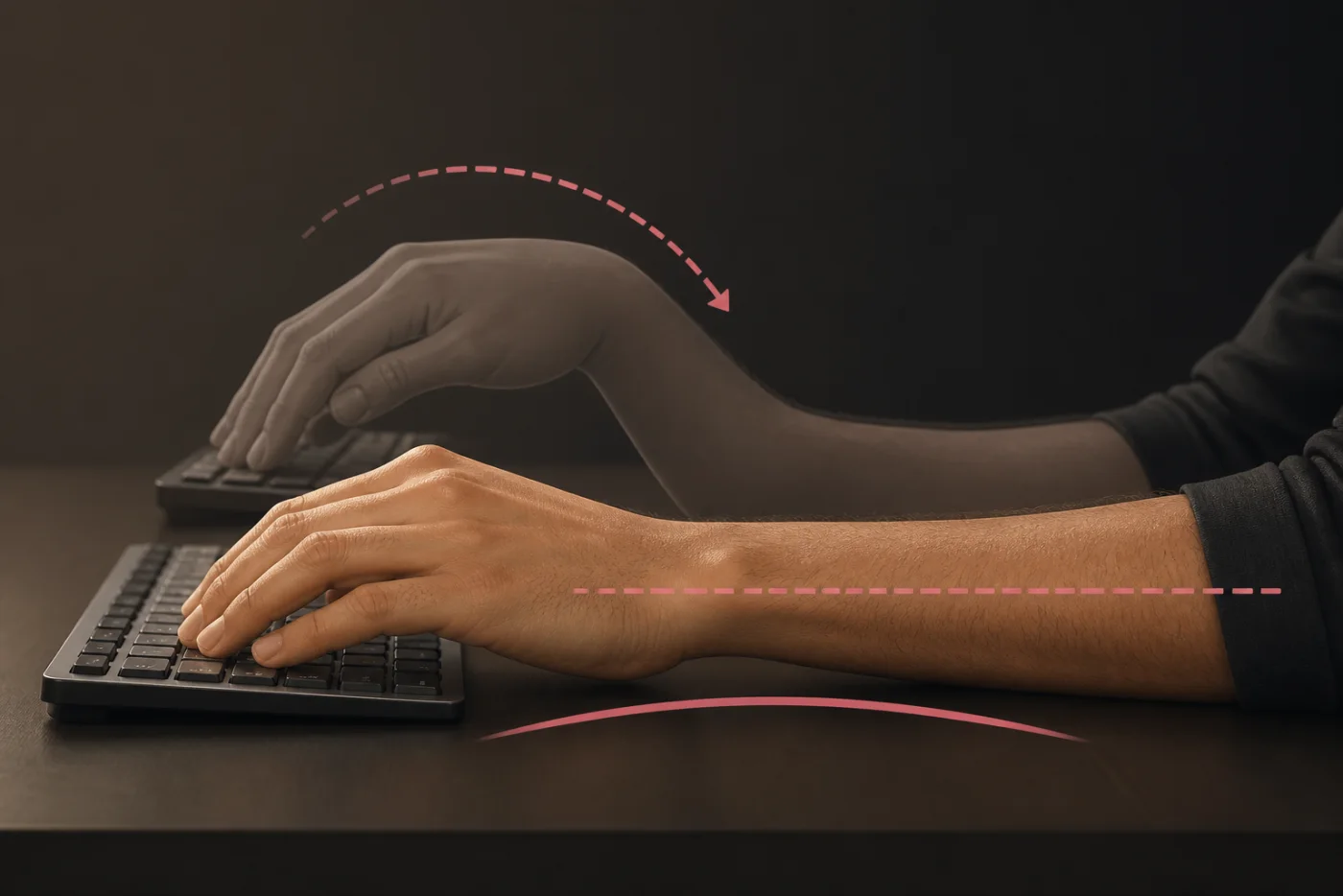
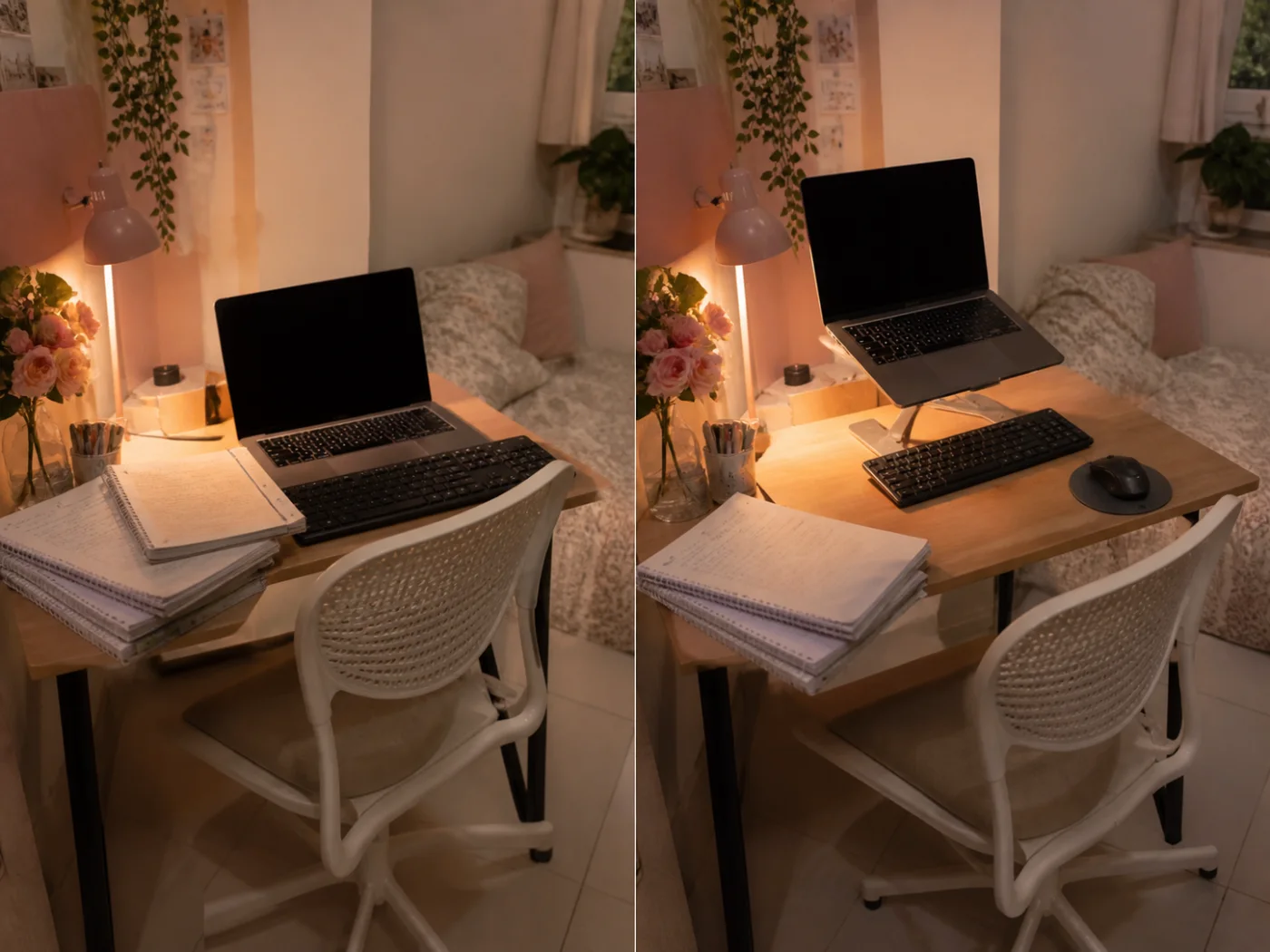
Wrist comfort begins with alignment, not a special pose. Sit close enough that elbows remain beside your torso and forearms travel forward without reaching. Place the keyboard low enough for shoulders to stay relaxed. Your hands should continue the line of your forearms rather than bending upward over a tall keyboard edge.
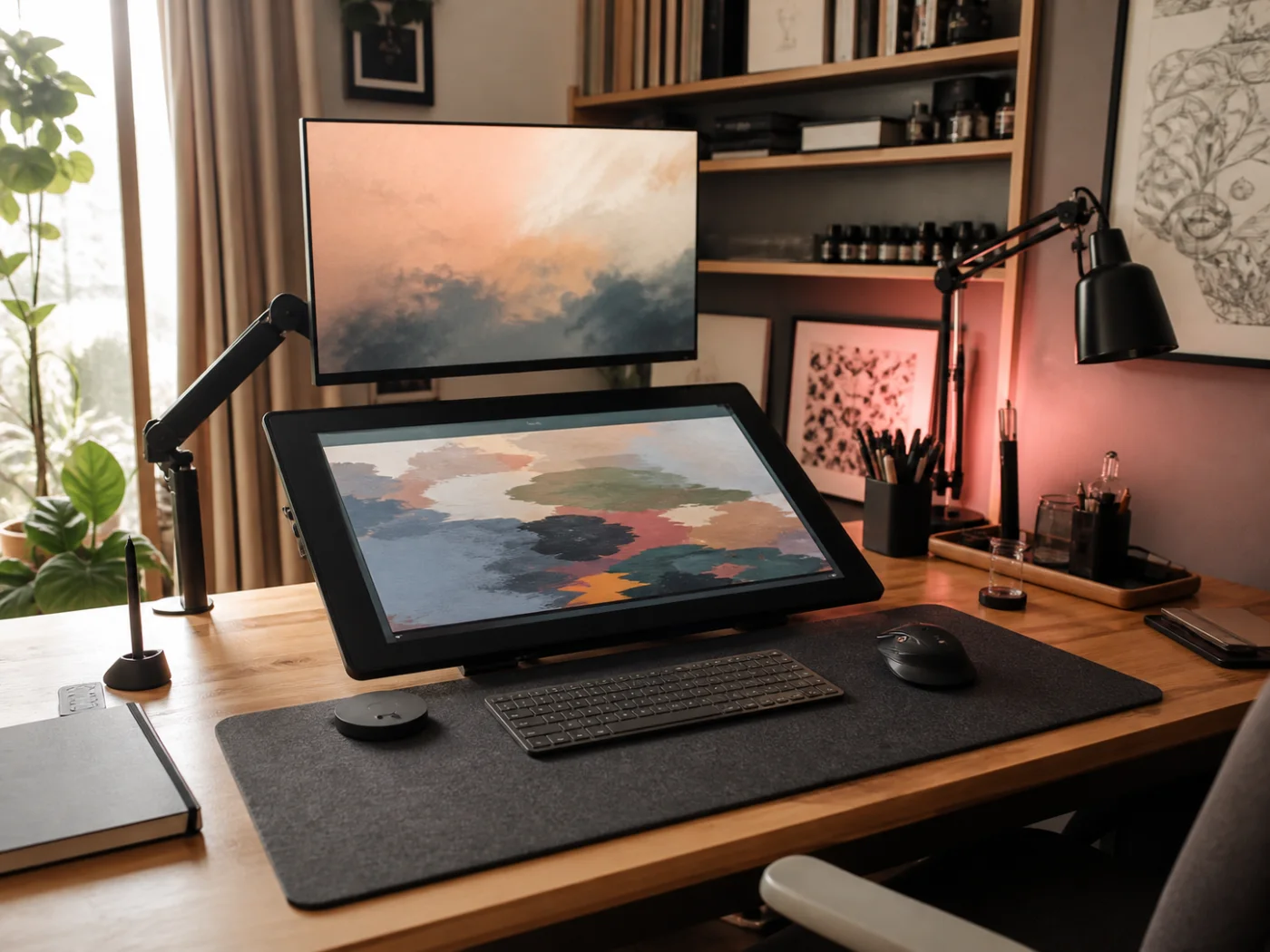
Next, reduce unnecessary movement. A compact keyboard brings the mouse inward, and a stable mat gives both devices a consistent surface. Move the mouse from your arm instead of repeatedly twisting only the wrist. Use a light grip and increase pointer speed if large movements feel tiring. Shortcuts can also reduce repeated clicking during editing, spreadsheets, or study.
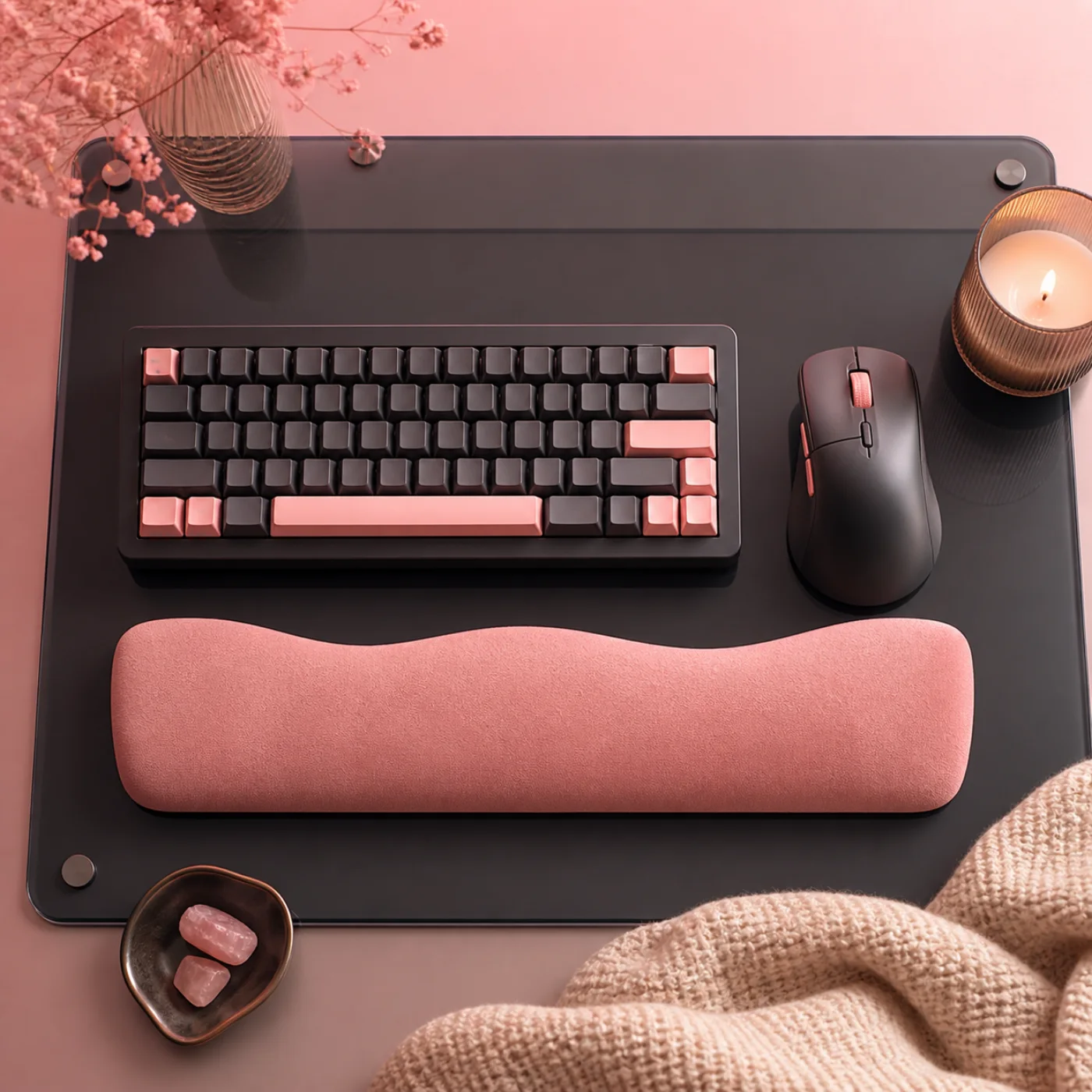
Support helps most during pauses. A soft rest can meet the heel of the palm between typing bursts, but avoid pressing the wrist directly onto a hard edge while keys are active. Keep frequently used tools within easy reach, then change position every thirty to forty-five minutes. Open and close your hands, lower your arms, and look away from the screen.
Discomfort is information. Review desk height, workload, and technique before buying more equipment. If pain is persistent, worsening, causes numbness, or interrupts sleep, seek guidance from a qualified healthcare professional. Ergonomic accessories can support healthier habits, but they do not diagnose or treat medical conditions. Aim for variety, gentle effort, and a setup you can reset as tasks change.
Finally, notice how tasks change your hands. Drawing, coding, writing, and gaming use distinct rhythms, so retune keyboard angle, mouse distance, and breaks instead of preserving one arrangement all day.

 07:45
07:45